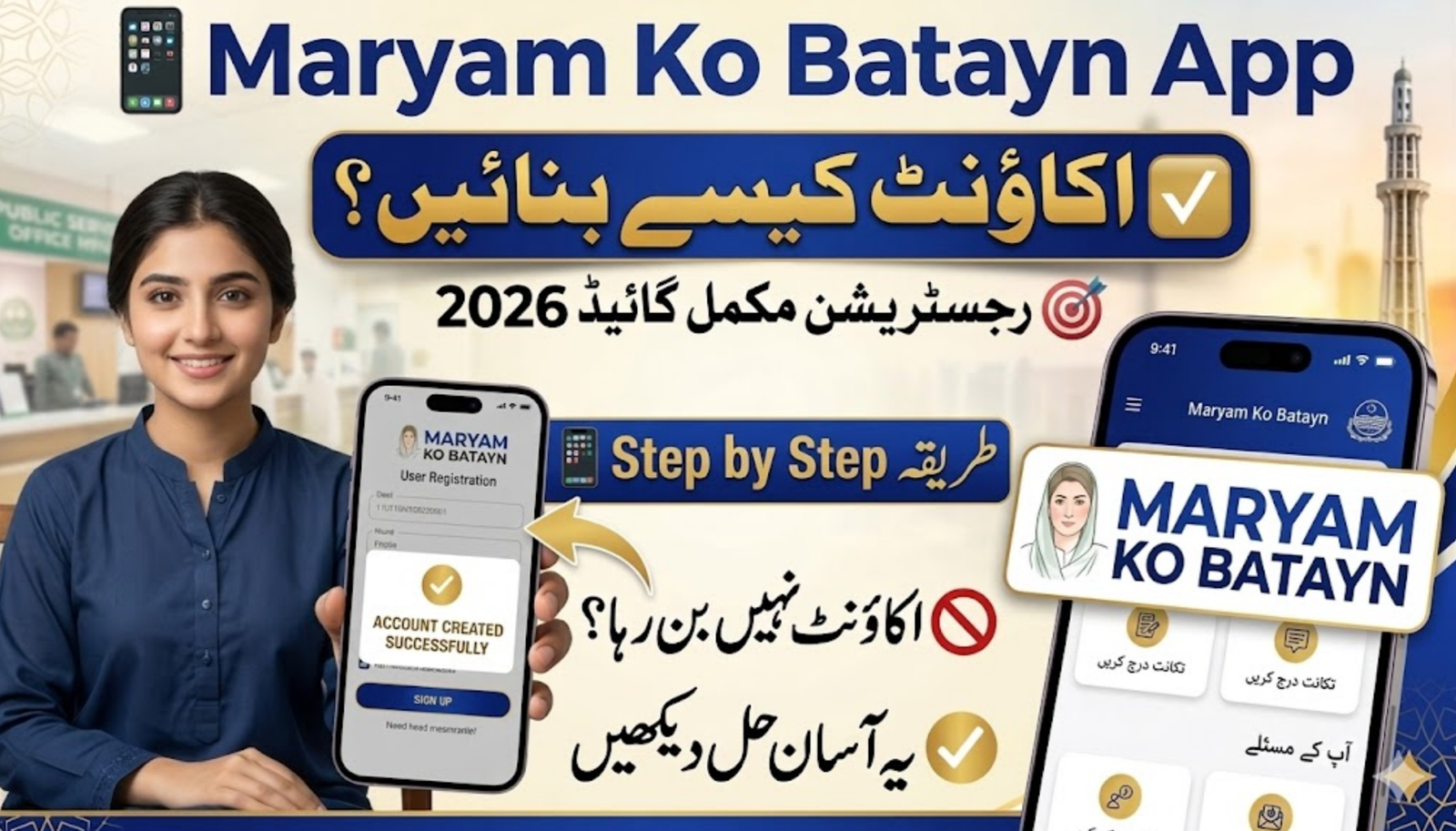
The How to Create an Account on Maryam Ko Batayn App 2026 process is becoming an important topic for many families in Punjab. The Punjab Government introduced the Maryam Ko Batayn (1000) App to connect people directly with officials and provide relief programs. One major benefit is the Rs. 10,000 Ramzan financial aid for deserving families. Through this app, citizens can submit complaints, share suggestions, and check their eligibility for different government programs. However, many users face small issues during registration. This simple guide explains the full Maryam Ko Batayn App registration process 2026, common problems, and easy solutions so you can create your account without trouble.
Table of Contents
Step-by-Step Guide to Create an Account on Maryam Ko Batayn App
Creating an account on the app is simple if you follow the correct steps. The app is available for Android users through the Google Play Store and is managed by the Punjab IT Board.
| Step | What You Need to Do |
| Download the App | Go to Google Play Store and search “Maryam Ko Batayn”. Install the official app updated in February 2026. |
| Open the App | After installation, open the app and tap on Sign Up or Register. |
| Enter Personal Details | Provide your Full Name (as on CNIC), 13-digit CNIC number, and mobile number registered in your name. |
| Create Password | Make a strong password with 8 characters, including one uppercase letter, a number, and a special character. |
| OTP Verification | A One-Time Password (OTP) will be sent to your phone. Enter the code to verify your number. |
| Complete Profile | Add your district and address so authorities can process your requests properly. |
Once these steps are complete, your account will be ready. You can then log in and access all the services available in the app.
Important Tips for a Successful Maryam Ko Batayn App Registration
While the registration process looks simple, some users face technical issues. These problems usually happen because of weak internet or incorrect information.
For example, always use a SIM card registered on your own CNIC. If the number belongs to someone else, the system may not verify it properly. Also, make sure you enter the CNIC without dashes, because the app only accepts the 13-digit format.
Another helpful tip is to create a strong password from the start. Many users get an error because the password does not include a special character or uppercase letter.
Common Registration Problems and Solutions
Below are some common issues people report while creating an account and the easiest ways to solve them.
| Problem | Simple Solution |
| CNIC Already Registered | Try logging in instead of signing up. If you forgot the password, use Forgot Password to reset it. |
| App Crashes During Login | Check your internet connection and clear the app cache and data from phone settings. |
| OTP Not Received | Make sure your phone signal is strong and the SIM is active. If the issue continues, contact the 1000 helpline. |
These solutions usually fix most problems within minutes.
Alternative Way to Register
If the mobile app is slow or not working due to heavy traffic, you can also register through the official web portal. The government created this option so people can access services even when the app is busy.
Using the web portal allows you to track applications, submit complaints, and check updates related to government relief programs.
Why the Maryam Ko Batayn App is Important
The Maryam Ko Batayn App is part of the Punjab Government’s effort to improve communication between citizens and authorities. Through this digital platform, people can quickly report issues related to public services.
It also helps officials understand the problems people face in different districts. This makes it easier for the government to respond faster and provide targeted support programs.
For many families, the app is also a way to access financial assistance like the Ramzan relief package.
Final Thoughts
The How to Create an Account on Maryam Ko Batayn App 2026 process is easy if you follow the correct steps. The app was designed to help citizens connect directly with the Punjab Government and benefit from relief programs. By downloading the official app, entering correct details, and completing OTP verification, you can quickly create your account. If you face any issues, simple solutions like resetting your password or clearing the app cache usually solve the problem.
FAQs
1. What is the Maryam Ko Batayn App?
It is a mobile application launched by the Punjab Government to receive public complaints, suggestions, and provide updates about relief programs.
2. Is the Maryam Ko Batayn App free to use?
Yes, the app is completely free to download and use for all citizens.
3. Can I register without a SIM in my own name?
It is recommended to use a SIM registered on your CNIC because OTP verification requires it.
4. What should I do if I forget my password?
You can reset your password by clicking the Forgot Password option and verifying your mobile number through OTP.